
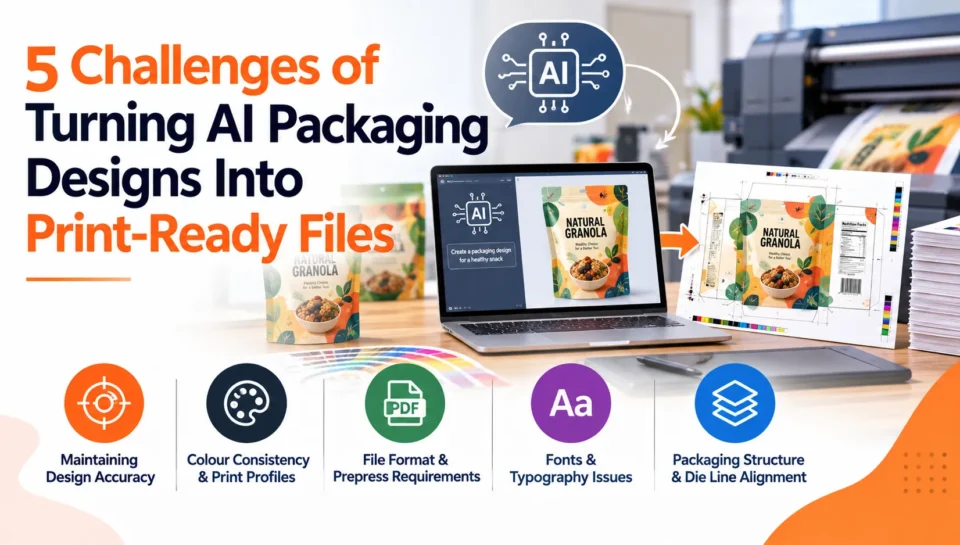
AI has made packaging design faster than ever. A designer can generate multiple concepts, explore different visual styles, and create packaging directions in minutes. But an AI-generated packaging design is not automatically a print-ready packaging file.
The challenge begins when a concept created for a screen needs to become artwork that a printer, converter, or packaging manufacturer can actually produce.
AI-generated designs may contain low-resolution elements, incorrect text, RGB colours, inconsistent details, or artwork that does not account for the physical structure of the package. Turning that concept into production artwork requires a combination of design judgment and prepress knowledge.
Adobe’s packaging guidance highlights the importance of elements such as dielines, colour settings, bleed, and appropriate file formats when preparing packaging for printing.
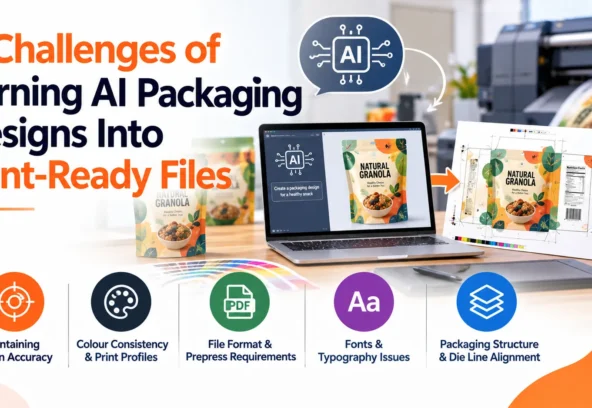
Here are five major challenges of converting AI packaging designs into print-ready files, along with practical ways to address them.
Quick Answer: What Makes AI Packaging Designs Difficult to Prepare for Print?
The five common challenges are:
- Insufficient image resolution
- RGB colours and colour-management issues
- AI-generated typography and inaccurate details
- Dielines, bleed, and physical packaging requirements
- Prepress, file preparation, and production quality control
The solution is not simply to export the AI image as a high-resolution PDF. The artwork often needs to be reconstructed, refined, checked, and prepared according to the printer’s production specifications.
1. Low Resolution and Image Quality
One of the first problems with AI-generated packaging artwork is resolution.
An image can look sharp on a laptop or smartphone while still being unsuitable for its final physical size. This becomes especially important when an AI image needs to cover a large carton, pouch, label, display, or other packaging surface.
For example, an AI-generated image may contain enough pixels for a digital presentation but lose detail when enlarged for production.
Why this creates a problem
Low effective resolution can result in:
- Soft images
- Pixelation
- Loss of fine details
- Blurred product imagery
- Poor-quality gradients
- Unprofessional printed results
The correct resolution depends on the printing process and final output size. Adobe notes that image resolution requirements can vary according to the printing process and recommends discussing requirements with the prepress provider.
How to solve it
A production artwork workflow can include:
AI image → resolution check → enlargement/upscaling → detail correction → final-size inspection
However, simply upscaling an image does not always solve every problem. Important elements may need to be recreated as vectors or rebuilt manually.
2. RGB Colours Can Create Print Problems
Another common challenge is colour.
AI image generators generally create visuals for screen-based environments, while commercial printing involves specific colour-management workflows.
A design might look vibrant on a monitor but reproduce differently when printed.
This is particularly important for packaging because colour can be closely associated with a brand. A slight variation in a key brand colour may affect consistency across products, SKUs, or print runs.
Adobe’s packaging guidance notes that packaging files are commonly prepared using CMYK colour settings and advises checking requirements with the print vendor before exporting.
What needs to be checked?
A packaging artwork specialist may need to review:
- RGB vs. CMYK artwork
- Colour profiles
- Spot colours
- Brand colours
- Rich black
- Overprint settings
- Colour separations
- Special inks
The correct workflow depends on the printer and production method, so blindly converting everything to CMYK is not always the right approach.
The better process is to understand the printer’s specification first and prepare the artwork accordingly.
3. AI-Generated Text and Fine Details
AI is excellent at generating visual concepts, but text can be a major production challenge.
An AI-generated package may appear to contain a brand name, product description, ingredients, or promotional message, but closer inspection can reveal:
- Misspelled words
- Incorrect characters
- Distorted letters
- Inconsistent typography
- Unusable numbers
- Poor spacing
- Fake or incomplete regulatory information
For a packaging concept, this may be acceptable during brainstorming.
For production, it is not.
The practical solution
Important text should generally be recreated using professional typography rather than relying on text embedded inside the generated image.
This is particularly important for:
- Product names
- Ingredients
- Instructions
- Warnings
- Regulatory information
- Nutrition information
- Claims
- Barcodes
- QR codes
- Contact information
This creates a useful distinction:
AI-generated visual = creative asset
Production typography = controlled artwork element
Separating these two makes the final packaging file easier to edit, proof, and reproduce.
4. Dielines and Bleed Are Difficult to Handle With AI Alone
Packaging isn’t simply a flat picture.
A box has panels, folds, cuts, glue areas, and physical dimensions. A pouch, label, carton, sleeve, or bottle may have completely different production requirements.
This is where the dieline becomes critical.
A dieline provides the structural information required for cutting and folding the packaging. Adobe recommends keeping the dieline on a separate locked layer when preparing packaging artwork.
AI image generation does not automatically understand all of these manufacturing requirements.
Common technical elements include:
- Cut lines
- Crease lines
- Fold areas
- Bleed
- Safe zones
- Glue areas
- Trim boundaries
- Registration information
- Finishing areas
Bleed is equally important. Artwork that reaches the edge of a package generally needs to extend beyond the final trim area.
Adobe’s Illustrator documentation now includes a Print Bleed feature that can generate artwork to fill a defined bleed area.
However, the exact bleed specification should come from the printer or packaging manufacturer.
Why this matters
An AI image can be visually perfect but still be positioned incorrectly on the physical package.
That’s why packaging artwork needs to be built around the actual dieline, rather than simply placing an AI image on a generic template.
5. Turning the AI Concept Into a Proper Production File
The final challenge is bringing everything together.
An AI-generated image might be delivered as a JPG, PNG, or another raster format. A commercial packaging workflow may require a structured file containing editable artwork, correct fonts, linked images, vectors, colour information, dielines, and finishing layers.
Adobe notes that packaging printers commonly work with formats such as PDF, AI, and EPS, while requirements should always be confirmed with the specific print vendor.
A production-ready file may need:
- Correct document dimensions
- Correct resolution
- CMYK or approved colour setup
- Vector logos and graphics
- Editable typography
- Embedded or outlined fonts where required
- Bleed
- Safe areas
- Dielines
- Spot colours
- Finishing layers
- Correct PDF settings
- No missing links
- No accidental objects outside the artwork
This is where prepress quality control becomes essential.
A Better AI-to-Print Packaging Workflow
Instead of treating AI output as the final artwork, consider it the starting point.
A practical workflow is:
AI concept generation → creative approval → image quality check → vector recreation → typography → colour management → dieline setup → bleed → finishing layers → prepress check → proof → final production file
This workflow lets AI handle rapid visual exploration while experienced artwork professionals handle the technical requirements of printing.
Why Human Artwork Expertise Still Matters
AI can generate impressive packaging concepts, but production requires decisions based on the actual manufacturing process.
For example, someone still needs to determine:
- Whether an image has sufficient resolution
- Which elements should become vectors
- How typography should be rebuilt
- How colours should be managed
- Where bleed should extend
- How the design fits the dieline
- Whether special finishes require separate artwork
- Whether the final file meets the printer’s specification
AI can assist with parts of this workflow. Adobe, for example, now provides generative tools for extending artwork into print-bleed areas.
But automated generation does not eliminate the need for production review.
What About Commercial Usage Rights?
There is another consideration before an AI-generated packaging design reaches production: usage rights.
The commercial-use terms depend on the AI platform, model, subscription, and feature used.
For example, Adobe states that outputs from eligible Firefly features can be used in commercial projects, while users remain responsible for complying with applicable rights and restrictions. Adobe also distinguishes Firefly outputs from outputs produced using partner models.
Therefore, brands should always check the current terms of the specific AI tool used rather than assuming that every AI-generated image has identical commercial rights.
How Langoor Designs Can Help
Langoor Designs focuses on production-ready design and presents its approach around the idea of “Production-Ready Design That Actually Works.”
The company’s website showcases work across packaging categories and highlights three key areas: Production Perfection, Utility, and Strategic Brand Design.
Its website also showcases 13+ years, 50+ markets, 500+ projects, and 100+ production-ready projects.
For brands using AI to generate packaging concepts, this production-focused approach can help bridge the gap between an initial AI visual and artwork prepared for real-world manufacturing.
The process can involve refining AI-generated imagery, recreating important elements, adapting designs across SKUs, preparing packaging artwork, and performing production-focused checks before final delivery.
The objective is simple: take a creative concept and make it work as an actual packaging file.
Frequently Asked Questions
Can AI-generated packaging designs be printed?
Yes. AI-generated designs can be used as part of commercial packaging, but they usually need additional artwork preparation, including resolution checks, colour management, typography, dielines, bleed, and prepress review.
What is the biggest problem with AI packaging designs?
There isn’t one universal problem. Common issues include insufficient resolution, incorrect text, RGB colour workflows, missing bleed, unsuitable dielines, and a lack of production-ready structure.
Can AI create a complete print-ready packaging file?
AI can assist with parts of the workflow, but a generated image should not automatically be considered a complete print-ready packaging file. Production requirements still need to be checked against the printer’s specifications.
Do AI packaging designs need to be converted to CMYK?
The required colour workflow depends on the printer and printing process. Many packaging workflows use CMYK, but the printer’s specifications should determine the final setup.
Does AI-generated packaging artwork need a dieline?
If the artwork is being produced for a package with a physical structure, the design generally needs to be aligned with the manufacturer’s approved dieline.
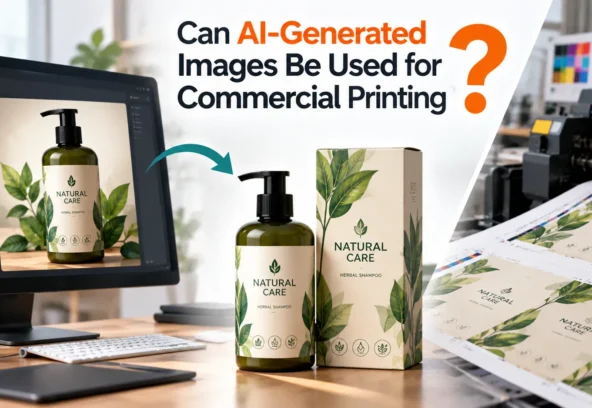
Can AI-generated images be used commercially?
This depends on the AI platform and the specific feature or model used. For example, Adobe says eligible Firefly outputs can be used commercially, while partner-model outputs may have different considerations.
Why is prepress important for AI packaging artwork?
Prepress provides a technical checkpoint before production. It can identify issues involving dimensions, resolution, colour, fonts, bleed, dielines, links, and finishing requirements