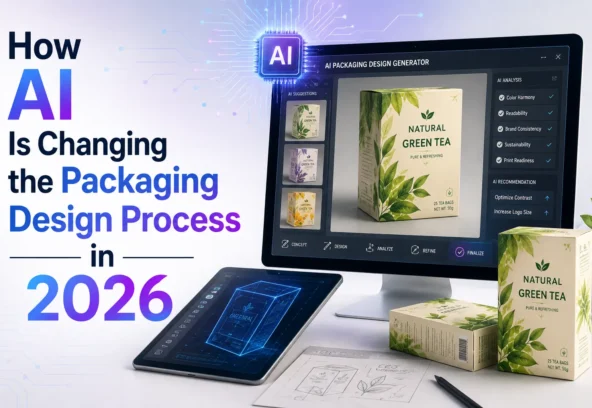

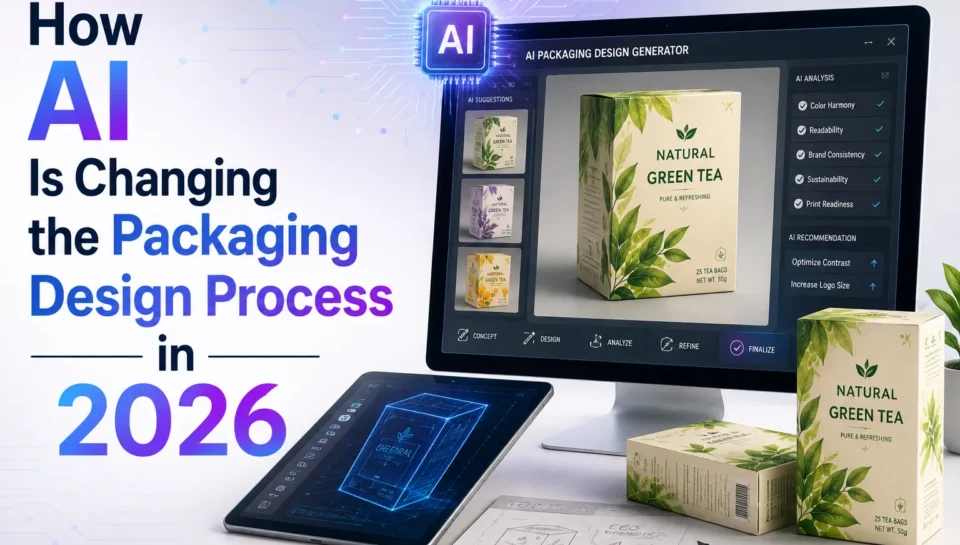
Artificial intelligence is changing how brands approach packaging design. What once took days of brainstorming, manual exploration, mockup creation, and artwork adaptation can now be accelerated with AI-assisted tools.
But there is an important distinction: AI can speed up packaging design, but it does not replace packaging expertise.
In 2026, AI is increasingly being used across the packaging workflow from generating initial concepts and visual directions to creating editable vector elements, producing mockups, adapting artwork, and supporting production checks. Adobe, for example, now offers AI capabilities in Illustrator that can generate editable vector graphics, expand artwork for bleed, create patterns, and assist with production workflows.
For brands, the real opportunity isn’t simply “using AI to design packaging.” It is using AI at the right stages while keeping human designers, brand teams, regulatory reviewers, and production specialists in control of the final result.
Quick Answer: How Is AI Changing Packaging Design?
AI is making packaging design faster and more iterative by helping teams:
- Generate multiple creative directions quickly
- Explore colours, patterns, and visual styles
- Turn rough ideas into editable vector artwork
- Create packaging mockups and product visualisations
- Adapt designs across multiple formats and SKUs
- Expand artwork for different dimensions and bleed requirements
- Automate repetitive production tasks
- Identify certain technical issues before printing
However, AI-generated visuals should not automatically be treated as print-ready packaging artwork. Final packaging still requires accurate copy, approved brand assets, correct dielines, production specifications, colour management, barcode checks, and human quality control.
What Did the Traditional Packaging Design Process Look Like?
A traditional packaging project could involve several separate stages:
- Creative briefing
- Market and competitor research
- Moodboards and visual references
- Initial concepts
- Design development
- Client feedback
- Packaging mockups
- SKU adaptations
- Artwork production
- Prepress checks
- Printer approval
- Production
Each stage could involve multiple rounds of revisions.
AI doesn’t eliminate this workflow. Instead, it can shorten some of the repetitive and exploratory stages.
That means designers can spend more time on strategy, brand differentiation, consumer psychology, and production decisions rather than manually creating every variation.
1. AI Speeds Up Packaging Concept Generation
One of the biggest advantages of AI is the ability to explore creative directions quickly.
A packaging team can use AI to investigate different:
- Colour combinations
- Illustration styles
- Visual themes
- Product compositions
- Background treatments
- Pattern directions
- Brand moods
Instead of developing one concept at a time, designers can explore multiple possibilities before deciding which direction deserves further development.
This is particularly useful during the early discovery stage when the goal is to answer:
“What could this packaging look like?”
AI is excellent at helping teams move from an abstract idea to something visual.
2. AI Makes Visual Exploration Faster
Packaging design often involves considerable experimentation.
For example, a food brand might want to compare:
- Premium versus playful
- Minimalist versus colourful
- Traditional versus modern
- Natural versus luxury
AI can rapidly generate visual directions that help teams compare these approaches.
Adobe’s current AI tools include features such as Text to Vector Graphic, Text to Pattern, Generative Shape Fill, and Concept to Vector, allowing designers to explore and refine editable vector artwork rather than relying exclusively on flattened images.
This changes the role of AI from simply generating images to becoming part of the designer’s creative exploration process.
3. AI Helps Turn Rough Ideas Into Editable Artwork
One of the more useful developments is the move from image generation toward editable design elements.
For example, a designer might start with a rough sketch or low-resolution concept and use AI-assisted tools to develop it into editable vector artwork.
This can reduce repetitive redraw work.
Adobe’s current Illustrator capabilities include Concept to Vector, which transforms raster references or rough concepts into editable vector artwork.
For packaging teams, editable artwork is particularly valuable because packaging isn’t simply an image. It needs to be manipulated, resized, adapted, separated, and prepared for production.
4. AI Is Improving Packaging Mockups
Before printing thousands of packages, brands need to understand what the final product might look like.
AI can help create realistic visualisations of:
- Boxes
- Pouches
- Bottles
- Jars
- Labels
- Cartons
- Flexible packaging
These mockups allow marketing and brand teams to review the design in a more realistic context.
Adobe also supports workflows that combine Illustrator packaging designs with 3D tools for realistic product visualisation and presentation.
This can reduce dependence on physical samples during the earliest stages of concept evaluation.
5. AI Can Help With Packaging Artwork Adaptation
Large brands rarely have just one packaging file.
A single product range may contain:
- Multiple flavours
- Different sizes
- Regional variants
- Different languages
- Seasonal editions
- Retail-specific versions
Adapting these files manually can consume significant production time.
AI-assisted production workflows can help automate repetitive changes and create multiple versions from structured information.
Adobe announced in June 2026 that its Illustrator AI Assistant could support production workflows such as generating versioned files from spreadsheet data and running preflight checks for issues including colour modes and missing fonts.
This is potentially valuable for FMCG brands managing large packaging portfolios.
6. AI Is Starting to Support Prepress
This is one of the most important developments for production teams.
Packaging artwork isn’t finished when the design looks good.
It also needs to meet technical requirements for:
- Colour
- Fonts
- Bleed
- Images
- Dielines
- Barcodes
- File structure
- Printing specifications
AI-assisted tools can help identify certain production issues before artwork reaches the printer.
Adobe’s 2026 announcement specifically describes Illustrator AI Assistant workflows that can perform production checks such as flagging colour-mode errors and missing fonts before print.
However, automated checks should complement not replace professional prepress review. Fogra continues to emphasise colour management, data preparation, PDF workflows, proofing, and the relationship between prepress data and physical print quality.
7. AI Helps Reduce Repetitive Design Work
Packaging professionals spend a significant amount of time on repetitive tasks.
Examples include:
- Resizing artwork
- Creating variations
- Reorganising files
- Generating patterns
- Extending backgrounds
- Removing backgrounds
- Updating repeated elements
- Preparing multiple versions
AI can automate or accelerate many of these tasks.
This doesn’t necessarily mean fewer designers.
Instead, it can allow designers to spend more time solving the problems that require human judgement.
8. AI Does Not Replace Human Packaging Designers
This is where brands need to be realistic.
AI can generate a beautiful packaging concept, but it may not understand:
- Your complete brand strategy
- Manufacturing limitations
- Regulatory requirements
- Printing tolerances
- Consumer behaviour
- Material constraints
- Shelf competition
- Production costs
- Retail requirements
AI can also produce incorrect text, inconsistent brand elements, unsuitable layouts, or visuals that cannot easily be converted into production-ready artwork.
Even AI-focused packaging guidance recommends treating generated concepts as a starting point and having humans refine the design, copy, materials, and brand fit.
The strongest workflow is therefore:
AI + Designer + Packaging Specialist + Prepress + Production
rather than:
AI → Printer
AI Packaging Design: What It Can and Cannot Do
| AI can help with | Human expertise is still needed for |
| Concept exploration | Brand strategy |
| Visual directions | Final design decisions |
| Pattern generation | Regulatory review |
| Vector exploration | Dieline validation |
| Mockups | Material selection |
| Artwork variations | Production specifications |
| Background expansion | Final prepress approval |
| Repetitive production tasks | Printer coordination |
| Initial quality checks | Final quality control |
This distinction is important for businesses considering an AI-first packaging workflow.
How AI Is Changing the Future of Packaging Design
The biggest change isn’t that AI creates packaging automatically.
The bigger change is that the entire workflow is becoming faster, more connected, and more automated.
A future packaging workflow may look like:
Brief → AI-assisted research → Concept generation → Human design direction → AI-assisted refinement → 3D visualisation → Artwork adaptation → Automated preflight → Human approval → Production
This can reduce unnecessary manual work while maintaining professional quality.
For brands managing hundreds of packaging variations, the efficiency gains could be particularly significant.
How Langoor Designs Can Help With AI-Assisted Packaging Design
AI tools can accelerate creative and production workflows, but businesses still need professionals who understand how to turn those outputs into commercially viable packaging.
Langoor Designs combines packaging design, artwork production, and production-ready workflows to help brands move from creative concepts to packaging files prepared for real-world manufacturing.
Its capabilities include:
- Packaging Design
- AI-Assisted Design Workflows
- Packaging Artwork Production
- Print-Ready Artwork
- Prepress Services
- Packaging Adaptation
- Multi-SKU Artwork
- Label Design
- Brand Identity
- Production Support
The company’s positioning around production-ready design is particularly relevant as AI-generated concepts become more common. The important step is not simply creating an attractive AI visual, but converting the selected concept into accurate, editable, technically compliant artwork that a printer can actually use.
For FMCG, food, cosmetics, healthcare, and consumer brands, this combination of creative expertise and production knowledge can make AI significantly more useful within the packaging process.
Frequently Asked Questions
Can AI design packaging?
Yes. AI can generate packaging concepts, visual directions, patterns, vector elements, mockups, and design variations. However, the final packaging design should be reviewed and refined by experienced designers and production specialists.
Can AI create print-ready packaging artwork?
AI can assist with parts of the production workflow, but an AI-generated image should not automatically be considered print-ready artwork. Final files still need to meet printer-specific requirements for dielines, colour, bleed, fonts, images, barcodes, and other production elements.
Will AI replace packaging designers?
AI is more likely to change the role of packaging designers than eliminate it. Designers can use AI to automate repetitive work and explore concepts faster while focusing their expertise on strategy, creativity, brand consistency, and production decisions.
How can AI reduce packaging design costs?
AI can reduce the time required for concept exploration, variations, mockups, repetitive adaptations, and some production tasks. The actual cost savings depend on the project, workflow, tools, and level of human review required.
Is AI-generated packaging suitable for FMCG brands?
It can be useful for FMCG brands during concept development, visual exploration, mockups, and artwork adaptation. However, FMCG packaging requires careful attention to product information, regulatory content, SKU management, print specifications, and production quality.
What is the best AI packaging design workflow?
A practical workflow is to use AI for exploration and repetitive tasks, then have professional designers and prepress specialists refine, validate, and approve the final production artwork.
Final Thoughts
AI is changing packaging design, but the biggest opportunity isn’t simply generating attractive packaging concepts in seconds.
The real opportunity is workflow transformation.
AI can help brands explore more ideas, create visual directions faster, develop editable assets, generate mockups, adapt multiple SKUs, and automate parts of production and prepress. Current tools are already moving in this direction, with AI becoming increasingly integrated into professional design applications and production workflows.
But packaging remains a physical product.
It has to print correctly, fold correctly, communicate accurately, meet market requirements, protect the product, and represent the brand consistently.
That’s why the future of packaging design isn’t AI versus designers.
It’s AI working alongside designers, artwork specialists, prepress teams, and packaging professionals.
For brands, that combination can mean faster development, more creative exploration, fewer repetitive tasks, and a smoother path from the first packaging concept to production-ready artwork.