
A packaging project can start with a great concept, but that does not automatically mean the artwork team has everything they need to take it into production.
Missing product information, outdated copy, unclear dielines, incorrect barcode details or incomplete print specifications can lead to repeated revisions, approval delays and production errors.
For Marketing Managers and Brand Managers, a clear packaging artwork brief is one of the most important steps in keeping a packaging project organised.
It helps the design and artwork production teams understand exactly what needs to be created, what information must be included and what the final files need to achieve.
Whether you are launching a new product, updating an existing pack or adapting artwork across multiple SKUs, here is a practical checklist to help you prepare a complete packaging artwork brief.
1. Project Overview and Objectives
Start by explaining what the project is about.
The artwork team should understand whether they are working on a new packaging design, an existing design update, a new SKU adaptation or technical artwork preparation.
Include:
- Brand and product name
- Project name or internal reference
- Type of packaging: carton, label, pouch, bottle, sleeve or flexible packaging
- Number of SKUs or variants
- Target market or country
- Project objective
- Expected deliverables
For example, if you are launching five new flavours of an existing product, make it clear whether the team needs to create a new master design or adapt the existing approved artwork.
This helps establish the scope before production begins.
2. Approved Design References and Brand Assets
If the project follows an existing brand identity, provide the correct and latest assets.
Avoid sending multiple versions of logos, old packaging PDFs or screenshots without explaining which one is approved.
Your brief should include:
- Approved brand logo in vector format, preferably AI, EPS or PDF
- Brand guidelines
- Approved colours and typography
- Existing packaging artwork
- Design references or visual inspiration
- Product images and illustrations
- Required icons, symbols and certification marks
Tip: Clearly identify the master reference file. This reduces the risk of using outdated brand assets or incorrect design elements.
3. Final and Approved Packaging Copy
One of the most common causes of packaging artwork revisions is incomplete or changing content.
Before artwork production begins, make sure the copy is reviewed and approved by the relevant brand, product and regulatory stakeholders.
Depending on the product and market, the content may include:
- Product name and description
- Ingredients or material composition
- Net weight or volume
- Usage instructions
- Storage instructions
- Warnings and safety information
- Manufacturer or distributor details
- Country of origin
- Marketing claims and product benefits
- Legal and regulatory text
- Multilingual translations
Provide the final copy in an editable document or structured spreadsheet.
Do not rely on screenshots, handwritten notes or text copied from old packaging unless they have been verified.
Important: The artwork team can place and format the supplied content, but the responsible brand, product and regulatory teams should confirm its accuracy and compliance before final approval.
4. Packaging Dieline and Structural Specifications
The dieline defines the physical structure and printable area of the packaging.
Without the correct dieline, artwork may not fit the final packaging structure.
Provide:
- Latest approved dieline
- Packaging dimensions
- Bleed and safety requirements
- Fold and crease positions
- Glue areas and sealing zones
- Window or cut-out areas
- Special structural requirements
- Printer-supplied technical templates, where available
For flexible packaging, also clarify details such as zipper positions, valves, seals, tear notches and printable areas.
Tip: Always confirm that the dieline is the latest version supplied or approved by the packaging manufacturer or printer.
5. Barcode, QR Code and Variable Data
Barcodes and variable information require special attention because incorrect data can create problems during scanning, distribution or production.
Include:
- Final barcode artwork or approved barcode data
- Barcode type, such as EAN-13 or UPC-A
- QR code destination or supplied QR artwork
- Batch or lot number requirements
- Manufacturing and expiry date areas
- Serial numbers or other variable information
- Data matrix requirements, where applicable
Also specify whether variable information will be printed during packaging production or applied later.
The artwork team can position and prepare these elements, but the supplied data and barcode details should be validated by the responsible stakeholder.
6. Printing and Production Specifications
A design that looks good on screen still needs to work within the actual printing process.
The brief should include available production information from the printer or packaging supplier.
| Specification | Information to provide |
| Printing process | Offset, flexographic, gravure or digital |
| Colour mode | CMYK, Pantone or specified spot colours |
| Substrate | Paper, board, film, label stock or other material |
| Finishing | Lamination, varnish, foil, embossing or other effects |
| Print requirements | Trapping, overprint, knockout and other technical instructions |
| File format | AI, PDF or printer-specific format |
| PDF standard | Required PDF preset or standard, if specified |
Not every project will require all these details. The printer’s technical requirements should guide the final artwork setup.
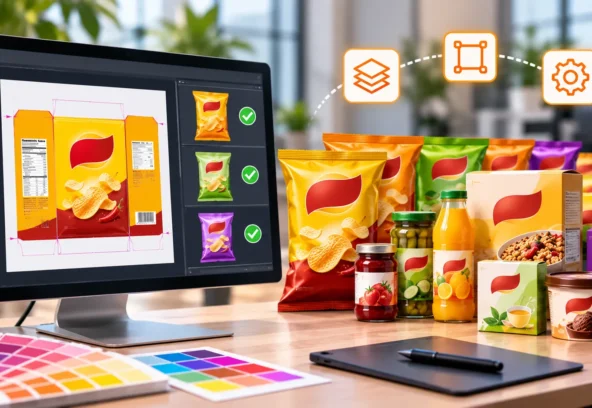
7. SKU and Variant Information
For projects involving multiple products, flavours, sizes or markets, provide a clear SKU breakdown.
A spreadsheet is often the easiest way to organise this information.
| SKU | Product variant | Size | Market | Language |
| SKU 001 | Original | 100 g | UK | English |
| SKU 002 | Chocolate | 100 g | UK | English |
| SKU 003 | Vanilla | 200 g | USA | English |
| SKU 004 | Strawberry | 200 g | UAE | English / Arabic |
Also identify:
- Which elements remain consistent across all variants
- Which elements change between SKUs
- Whether each SKU needs a separate barcode
- Whether different markets require different copy
- Which artwork is the approved master reference
This makes artwork adaptation more controlled and reduces the risk of mixing information between variants.
8. Artwork Approval Process and Responsibilities
A clear approval process prevents confusion about who is responsible for reviewing and signing off the artwork.
Define:
- Main project contact
- Person responsible for supplying content
- Brand/design approver
- Product or regulatory approver
- Final artwork approver
- Printer or packaging supplier contact
- Expected feedback turnaround time
It is also useful to establish how revisions will be shared.
For example, all feedback can be consolidated into one annotated PDF rather than being sent through multiple emails or separate messages.
This helps the artwork team track changes and avoid conflicting instructions.
9. Timeline, Deliverables and File Handover
A good brief should explain what the team needs to deliver and when.
Include:
- Project start date
- First artwork submission deadline
- Internal review dates
- Final approval deadline
- Printer handover date
- Required file formats
- Source file requirements
- Number of revision rounds, if agreed
- Any urgent or priority SKUs
Clarify whether the deliverables include editable source files, print-ready PDFs, linked assets, colour-separated files or other production-specific outputs.
This gives everyone a shared understanding of the project scope and timeline.
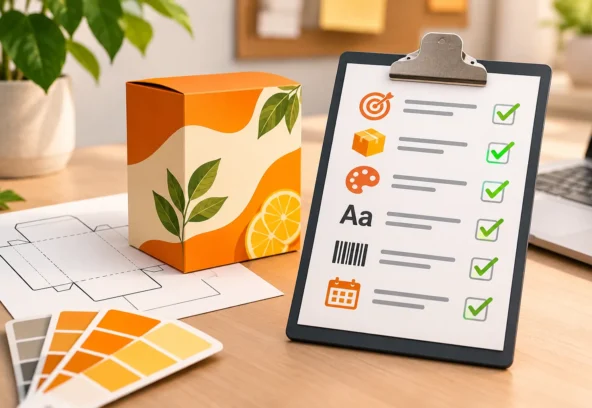
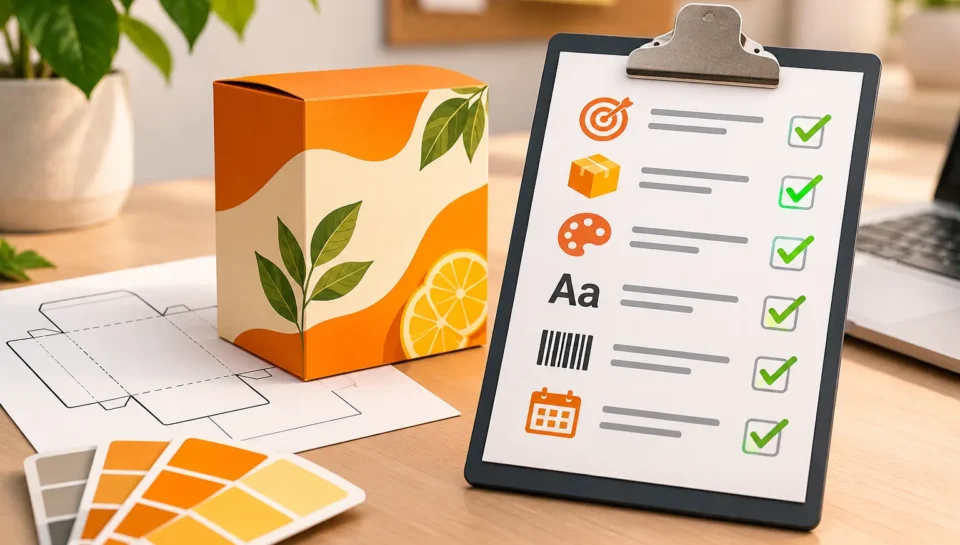
10. Packaging Artwork Brief Checklist
Before sending the brief to your artwork production team, use this checklist to confirm that the essential information is ready.
- Project overview and objectives
- Brand guidelines and approved logo
- Latest approved design reference
- Final product copy and translations
- Approved product images and illustrations
- Latest packaging dieline
- Correct dimensions and technical specifications
- Barcode and QR code information
- SKU and variant breakdown
- Printing process and substrate details
- Finishing and special print requirements
- Approval contacts and responsibilities
- Project deadlines and milestones
- Final deliverable and file format requirements
If some information is not available yet, mark it as pending and assign a responsible person and expected delivery date. This is better than leaving important details unclear.
Common Mistakes to Avoid When Preparing a Packaging Artwork Brief
Even experienced marketing teams can run into avoidable problems when handing over packaging projects.
Watch out for these common mistakes:
Using outdated references: Sending an old artwork file without identifying the latest approved version can lead to incorrect adaptations.
Sharing unapproved copy: Last-minute text changes can affect layouts, spacing, translations and barcode positioning.
Missing printer specifications: Without production requirements, artwork may need technical corrections before it can be released.
Unclear SKU information: Similar product variants can easily get mixed up when there is no structured SKU list.
Scattered feedback: Receiving different instructions from multiple stakeholders makes revision tracking difficult.
Unclear ownership: When nobody is responsible for final approval, projects can remain stuck between departments.
A structured brief helps prevent these issues before they affect the production schedule.
How a Professional Artwork Production Partner Helps
Preparing the brief is only the first step. The information still needs to be translated into accurate, consistent and production-ready artwork.
A professional artwork production partner can help marketing and brand teams manage this process by:
- Reviewing supplied assets and project requirements
- Setting up master packaging artwork
- Adapting artwork across multiple SKUs and markets
- Managing layout, copy placement and version updates
- Preparing technical artwork for different printing processes
- Performing prepress checks before printer handover
- Organising final artwork files and revisions
At Langoor Designs, we support brands and design agencies with packaging artwork production, SKU adaptations, technical artwork and prepress services.
Our focus is to help teams move from approved designs and supplied content to accurate, organised and print-ready files.
Whether you are managing a single packaging launch or a large portfolio of product variants, having the right artwork production support can make the process more efficient and controlled.
Final Thoughts
A complete packaging artwork brief saves time, reduces unnecessary revisions and gives every stakeholder a clearer understanding of the project.
For Marketing Managers and Brand Managers, the goal is simple: provide the right information, approved assets and clear production requirements before artwork begins.
The better the brief, the smoother the journey from design approval to print production.
Need support with packaging artwork production or SKU adaptations?
Langoor Designs works with brands and design agencies to prepare accurate, consistent and print-ready packaging artwork.
Frequently Asked Questions
- What is a packaging artwork brief?
A packaging artwork brief is a document that provides the design and artwork production team with all the information needed to prepare packaging files. It typically includes product details, approved copy, brand assets, dielines, SKU information and printing specifications.
- Who should prepare the packaging artwork brief?
Usually, the Marketing Manager, Brand Manager or Product Manager coordinates the brief, with inputs from design, packaging development, regulatory, product and procurement teams.
- Can artwork production start without a final dieline?
It may be possible to begin preliminary design work, but final artwork should use the latest approved dieline. Otherwise, dimensions, folds, seals and printable areas may need to be corrected later.
- Why is SKU information important?
A structured SKU list helps ensure that the correct product names, sizes, ingredients, languages and barcodes are applied to each packaging variant.
- What files should be supplied for packaging artwork production?
Common inputs include approved logos, brand guidelines, product images, final copy, dielines, existing artwork references, barcode information and printer specifications.
- What is the difference between packaging design and artwork production?
Packaging design focuses on the visual concept and presentation. Artwork production takes the approved design and prepares accurate files for manufacturing, including SKU adaptations, technical setup and prepress checks.