
A packaging design may go through several rounds of revisions before it reaches the printer. Product information changes, marketing teams request updates, regulatory departments review content and packaging manufacturers provide technical feedback.
With multiple people involved in the process, keeping track of the correct artwork version can become a serious challenge.
Imagine a situation where your marketing team approves the latest packaging design, but an outdated PDF is accidentally sent to the printer. The result could be incorrect product information, an outdated barcode, inconsistent branding or an entire production batch that needs to be reprinted.
For FMCG and consumer-product brands, such mistakes can lead to unnecessary costs, delayed product launches and operational complications.
The solution is not simply to check artwork more carefully. It is to establish a structured Packaging Artwork Approval and Version Control Process.
In this guide, we explain how businesses can organise artwork revisions, manage stakeholder approvals, maintain accurate production files and reduce the risk of costly packaging mistakes.
1. Why Packaging Artwork Approval Matters
Packaging artwork approval is the process of reviewing and formally accepting packaging artwork before it is released for production.
It ensures that the final design, product information and technical specifications have been checked by the appropriate stakeholders.
A typical packaging approval process may involve:
- Brand and Marketing Managers
- Packaging Development Teams
- Product Development Teams
- Regulatory and Quality Assurance Departments
- Artwork Production Teams
- Packaging Manufacturers and Printers
Each department has a different responsibility.
For example, the marketing team may check brand presentation, while the regulatory team reviews mandatory product information. The packaging team may verify dimensions and structural requirements, while the artwork production team checks technical file preparation.
Without clearly defined responsibilities, important information can be missed or approved without the necessary checks.
A structured approval process helps ensure that everyone reviews the correct artwork and that production begins only after the required approvals have been obtained.
2. Common Packaging Artwork Approval Problems
Even organisations with established design and production teams can experience artwork approval issues.
The problem often arises when multiple revisions, communication channels and stakeholders are involved.
Here are some common challenges.
Multiple Versions of the Same Artwork
One of the most common problems is having several files with similar names and different revisions.
For example:
- Product_Label_Final.ai
- Product_Label_Final_New.ai
- Product_Label_Final_Updated.ai
- Product_Label_Final_Approved.ai
- Product_Label_Final_Approved_2.ai
Which file is actually approved for production?
Without a consistent naming and version control system, identifying the correct file becomes difficult.
Approval Through Multiple Communication Channels
Artwork comments may arrive through email, messaging applications, shared documents and separate feedback from different departments.
When feedback is not consolidated, some changes may be overlooked.
Unclear Approval Responsibilities
Sometimes it is not clear who has the authority to approve the final artwork.
Marketing may approve the design, but product information may still be awaiting regulatory review.
A design that looks final is not necessarily approved for printing.
Last-Minute Changes
Product information, claims, ingredients, quantities and promotional details may change even after artwork has been reviewed.
If these changes are not properly documented and approved, outdated information can remain in the final production file.
Incorrect Files Sent to Printers
Even after receiving approval, there is a possibility that an older artwork version is selected during final file delivery.
This can create unnecessary production risks, especially when managing multiple SKUs.
3. Establish a Clear Packaging Artwork Approval Workflow
An effective approval workflow should define how artwork moves from the initial brief to final production release.
Every stage should have a clear purpose, responsible stakeholder and approval status.
Stage 1: Artwork Brief and Initial Requirements
The process begins with a complete artwork brief.
Before production starts, the artwork team should receive:
- Approved design references
- Product names and SKU details
- Final product copy
- Ingredients and nutritional information, where applicable
- Barcode and QR code details
- Packaging dimensions and dielines
- Brand guidelines
- Printing specifications
- Required delivery dates
Incomplete briefs often lead to repeated revisions and unnecessary delays.
Best practice: Confirm that all essential information is available before beginning artwork production.
Stage 2: First Artwork Development
The artwork team prepares the initial file based on the supplied design and technical requirements.
At this stage, the focus should be on:
- Correct layout and design placement
- Logo and brand consistency
- Product-specific information
- Dieline alignment
- Typography and colour specifications
- Required packaging elements
The first artwork version should be clearly identified as a draft.
It should not be confused with an approved production file.
Stage 3: Internal Artwork Review
Before sharing artwork with the client or brand team, the production team should conduct an internal review.
This helps identify basic errors before the file enters the formal approval process.
Review areas should include:
Visual review
- Logo positioning
- Typography
- Alignment and spacing
- Product imagery
- Brand consistency
Content review
- Product name
- SKU information
- Ingredients and declarations
- Net quantity
- Barcode details
- Approved product copy
Technical review
- Dieline alignment
- Bleed and safe margins
- Image resolution
- Fonts and linked assets
- Colour specifications
The artwork production team should verify the file against the supplied requirements, while product and regulatory stakeholders remain responsible for approving their respective content.
Stage 4: Stakeholder Review and Feedback
Once the initial review is complete, the artwork is shared with the relevant stakeholders.
Each reviewer should have a clearly defined responsibility.
| Stakeholder | Main review responsibility |
| Marketing Manager | Brand identity, messaging and design |
| Brand Manager | Brand consistency and product presentation |
| Regulatory Team | Mandatory declarations and approved claims |
| Packaging Team | Dimensions, structure and packaging requirements |
| Artwork Team | Layout, file accuracy and technical execution |
| Printer / Manufacturer | Production specifications and file compatibility |
Feedback should ideally be consolidated into one documented revision request.
This avoids conflicting instructions and repeated changes across separate communication channels.
Stage 5: Revision and Change Tracking
Once feedback is received, the artwork team makes the required corrections.
Every revision should be traceable.
A useful revision record includes:
- Artwork file name
- Version number
- Date of revision
- Requested changes
- Person requesting the changes
- Changes completed
- Current approval status
For example:
| Version | Revision | Status |
| V01 | Initial artwork | Internal review |
| V02 | Product copy updated | Client review |
| V03 | Barcode and layout revised | Pending approval |
| V04 | Final corrections completed | Approved |
This creates a clear history of how the artwork developed.
It also makes it easier to investigate issues if questions arise later.
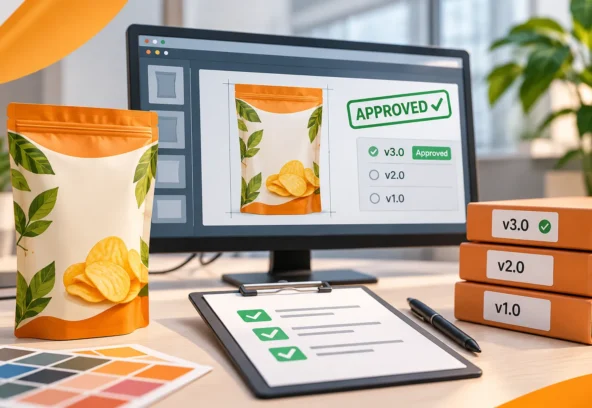
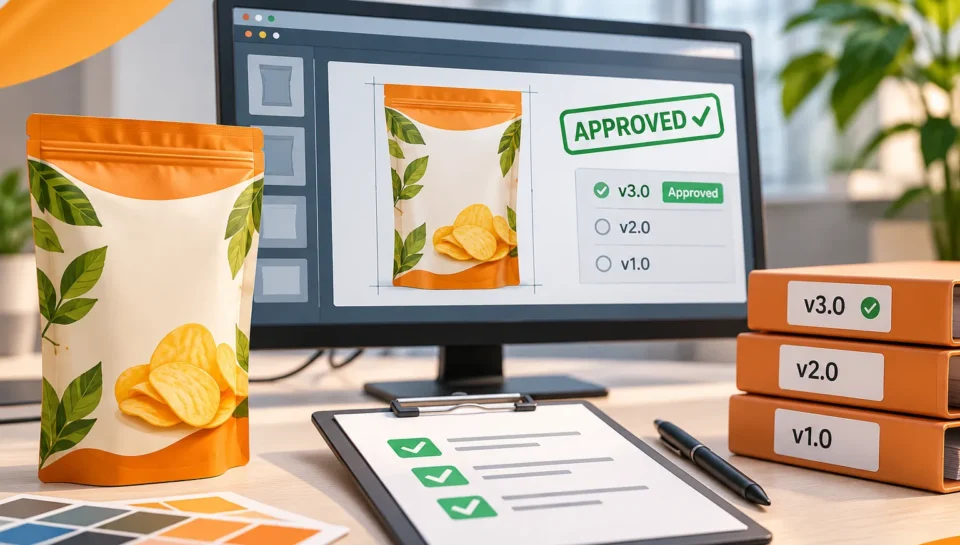
Stage 6: Final Artwork Approval
Once all required revisions have been completed, the artwork should be submitted for final approval.
Before production release, confirm that:
- All requested revisions are complete.
- The latest product information is included.
- Required stakeholders have approved the artwork.
- No unresolved comments remain.
- The correct SKU and packaging format are identified.
- The final version is clearly marked.
- Approval records are documented.
A final approval should refer to a specific artwork version or file, rather than a general message saying that the design looks good.
For example:
“Approved for production – Product A, 250 g, Artwork V04.”
This provides a clear reference for everyone involved.
Stage 7: Final Prepress and Production Release
After approval, the artwork moves into final prepress preparation.
The production team prepares the files according to the printer’s technical requirements.
This may include:
- Colour separation
- CMYK and spot colour checks
- Bleed and trim setup
- Trapping adjustments
- Font and image checks
- Overprint settings
- PDF preflight
- Final dieline alignment
- Print-ready PDF preparation
The final production files should be checked against the approved artwork before delivery.
Most importantly, only the authorised and approved version should be released to the printer.
4. How to Implement an Effective Artwork Version Control System
Version control is one of the most important parts of packaging artwork management.
It ensures that every revision is identifiable and that outdated files are not accidentally used for production.
A good system does not need to be complicated. Even a standardised naming structure and organised folder system can significantly improve file management.
Use a Consistent File Naming Convention
Avoid vague names such as “Final”, “New Final” or “Latest”.
Instead, use a naming structure that identifies the brand, product, SKU, version and status.
Recommended format:
BRAND_PRODUCT_SKU_PACKSIZE_VERSION_STATUS
Example:
LANGOOR_PRODUCT001_SKU025_250G_V03_APPROVED.ai
For the final production PDF:
LANGOOR_PRODUCT001_SKU025_250G_V03_PRINT.pdf
The exact naming structure can be adapted to your organisation’s internal requirements.
The important thing is to use the same system consistently.
Maintain a Centralised Artwork Folder Structure
A structured folder system helps teams identify the latest files and retrieve previous revisions when needed.
For example:
Brand Name
- 01_Brief_and_References
- 02_Master_Artwork
- 03_Working_Files
- 04_Review_and_Feedback
- 05_Approved_Artwork
- 06_Final_Print_Files
- 07_Archive
Only authorised users should be able to move files into the final approved or production-release folders.
Maintain a Revision History
Every artwork revision should have a clear record.
This is particularly important when multiple SKUs are being updated simultaneously.
A revision log can include:
| Information | Example |
| Product | Product A |
| SKU | SKU-025 |
| Artwork version | V03 |
| Revision date | 13 November |
| Requested by | Brand Team |
| Change | Updated product information |
| Status | Approved |
This makes artwork changes easier to trace and review.
Clearly Separate Draft and Approved Files
Draft files and final production files should never be mixed.
Use clearly identified folders and status labels such as:
- DRAFT
- IN REVIEW
- REVISION REQUIRED
- APPROVED
- RELEASED FOR PRODUCTION
- SUPERSEDED
This reduces the possibility of outdated files being selected accidentally.
5. The Importance of a Single Source of Truth
When multiple departments work on the same packaging project, everyone needs access to the correct information.
One of the biggest challenges is that product information and artwork files may be stored in different places.
Marketing may have one version of the product copy, while the regulatory department has another. The design team may be working with an older file, while the packaging manufacturer has already received a revised version.
A centralised source of truth helps avoid this confusion.
It should clearly identify:
- The latest approved product information
- Current master artwork
- SKU-specific requirements
- Latest revision history
- Approval status
- Final production files
This can be managed through an appropriate digital asset management system, project management platform or structured document repository.
The choice of software is less important than establishing clear ownership, access permissions and document control.
6. How to Reduce Costly Packaging Production Mistakes
Artwork approval and version control are not simply administrative tasks. They help protect the production process.
Here are practical measures that businesses can implement.
Introduce a Formal Artwork Approval Checklist
Before approving any packaging artwork, ensure that the required content, design and technical checks are completed.
A documented checklist makes the process more consistent.
Assign Clear Approval Responsibilities
Every stakeholder should understand what they are responsible for reviewing.
For example, marketing should approve brand presentation, while regulatory teams should approve the applicable product information and declarations.
Avoid Uncontrolled Last-Minute Changes
Changes after final approval should follow a defined revision and reapproval process.
Even a seemingly minor text change can affect artwork layout or regulatory information.
Use SKU-Specific Approval Records
When managing multiple product variants, each SKU should have an identifiable approval record.
Approval of one flavour or packaging size should not automatically be treated as approval of every other variation.
Verify the Final Production File
The final PDF should be checked against the approved artwork and printer specifications.
A technically correct PDF is not necessarily the correct approved artwork version.
Both content approval and technical verification are necessary.
Archive Superseded Artwork
Previous versions should remain traceable but should not be mistaken for current production files.
Mark them as superseded and restrict their use where possible.
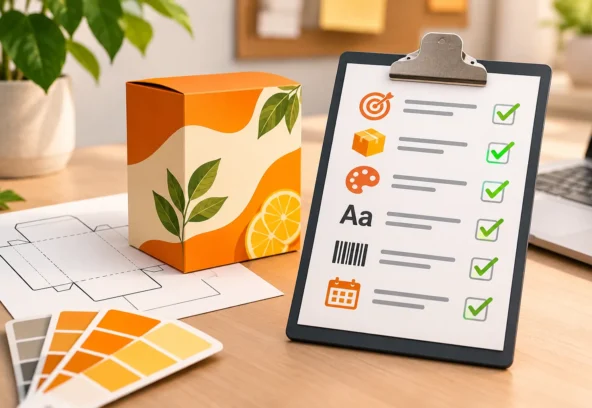
7. A Practical Packaging Artwork Approval Checklist
Use this checklist before releasing packaging artwork for production.
Before Artwork Review
- Correct product and SKU details received.
- Latest master artwork reference available.
- Final product copy supplied.
- Correct dieline and dimensions confirmed.
- Barcode and product information supplied.
- Printing specifications received.
During Artwork Review
- Brand identity and logo placement checked.
- Product name and variant verified.
- Ingredients and declarations reviewed.
- Net quantity and other product details checked.
- Barcode information verified.
- Typography and alignment checked.
- Colours and images reviewed.
- Dieline alignment checked.
- All requested revisions completed.
Before Final Approval
- All relevant stakeholders have reviewed the artwork.
- Outstanding comments have been resolved.
- Final artwork version is clearly identified.
- Approval is documented against the specific version.
- Superseded versions are clearly identified.
Before Sending Files to the Printer
- Correct approved artwork selected.
- Final production PDF checked.
- Fonts and images validated.
- Colour specifications confirmed.
- Bleed and technical settings verified.
- Printer-specific requirements followed.
- Final files stored in the approved production folder.
8. How Langoor Designs Supports Packaging Artwork Approval and Production
At Langoor Designs, we understand that packaging artwork production involves more than creating visually appealing designs.
Every packaging file must follow approved brand guidelines, reflect the correct product information and meet the technical requirements of the printing process.
We support brands and design agencies with artwork production and technical preparation throughout the packaging workflow.
Our services include:
Packaging Artwork Production
Converting approved designs into accurate and editable packaging artwork.
Artwork Revisions and Adaptations
Implementing design updates, product information changes and SKU-specific adaptations while maintaining consistency.
Master Artwork and SKU Management
Creating structured artwork files that can be used as references for future packaging variations.
Dieline and Packaging Artwork Setup
Positioning artwork accurately within supplied packaging structures and technical layouts.
Vector Recreation
Recreating raster-based and AI-generated visuals into editable vector artwork for professional production.
Prepress and Print-Ready File Preparation
Preparing approved artwork through colour separation, trapping, bleed setup, technical checks and printer-specific PDF preparation.
Whether you need support with a single packaging update or ongoing artwork production across multiple SKUs, our team can help manage the technical execution.
Our focus is to help your team move from approved design to production-ready artwork with greater consistency and control.
Conclusion: The Right Artwork Version Is Just as Important as the Right Design
A packaging design is not ready for production simply because it looks finished.
It needs to pass through a controlled process of review, revision, approval and technical preparation.
For FMCG brands managing multiple products and packaging variations, proper artwork version control helps reduce confusion, maintain brand consistency and prevent outdated files from reaching production.
A clear approval workflow also improves communication between marketing, regulatory, design and production teams.
Ultimately, effective artwork management protects more than the design. It protects your product launch, production schedule and brand reputation.
Need reliable packaging artwork production and prepress support?
Langoor Designs helps brands and design agencies manage packaging artwork, revisions, SKU adaptations and print-ready file preparation.
Let us help your team keep packaging artwork organised, accurate and ready for production.
Get in touch with Langoor Designs
Website: https://langoordesigns.com/
Email: artwork@langoordesigns.com
Portfolio: https://langoordesigns.com/our-work/
FAQs: Packaging Artwork Approval and Version Control
1. What is packaging artwork approval?
Packaging artwork approval is the formal review and acceptance of packaging design files before they are released for printing. It involves checking brand presentation, product information, regulatory content and technical requirements with the relevant stakeholders.
2. What is artwork version control?
Artwork version control is a system for tracking packaging artwork revisions, identifying approved files and preventing outdated versions from being used in production.
3. Who should approve packaging artwork?
Depending on the organisation, approval may involve Brand Managers, Marketing Managers, Regulatory Teams, Quality Assurance, Packaging Development and other authorised stakeholders. Each should review the areas within their responsibility.
4. How can companies avoid sending incorrect artwork to printers?
Companies should use consistent file naming, centralised storage, documented approvals, clear production-release folders and a final verification process to ensure that only the correct approved artwork reaches the printer.
5. Why is artwork version control important for FMCG brands?
FMCG companies frequently manage multiple product variants and packaging revisions. Version control helps identify the latest approved files, maintain accurate product information and reduce production confusion.
6. What should be included in an artwork revision log?
An artwork revision log should include the product name, SKU, file version, revision date, requested changes, responsible stakeholder, current status and approval details.
7. What happens if outdated packaging artwork is sent for printing?
Outdated artwork may contain incorrect product information, old branding, incorrect barcodes or superseded design elements. Depending on the error, this can result in production delays, rejected materials, reprints or other commercial consequences.
8. What is the difference between artwork approval and prepress approval?
Artwork approval confirms that the design and relevant product information have been reviewed and accepted by the responsible stakeholders. Prepress approval focuses on whether the production file meets the technical requirements of the printing process. Both are important before production release.